

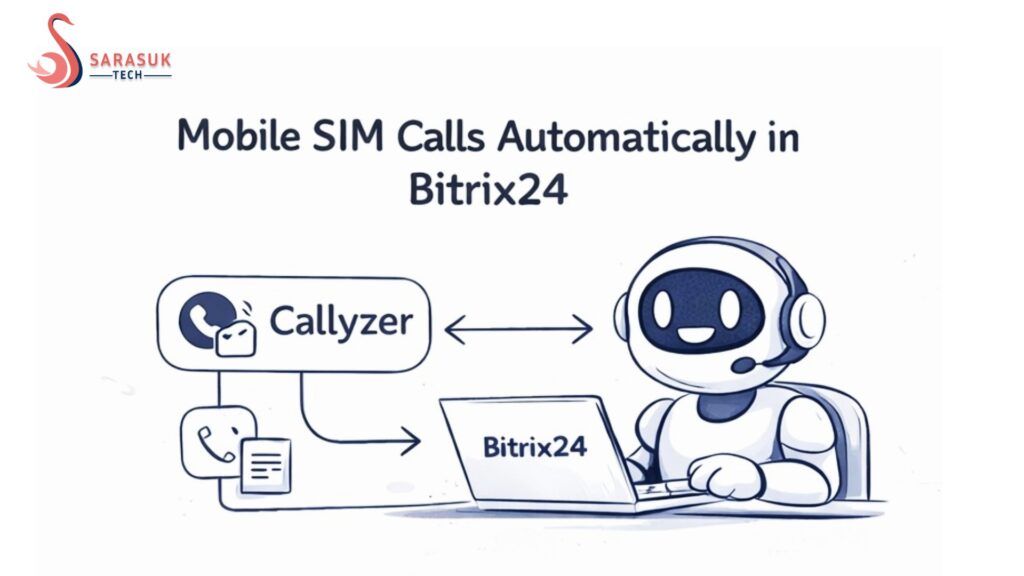
In today’s business world, every call matters. Every client conversation can lead to a sale, a deal, or a long-term relationship. But many businesses still face one big problem:
- They forget to track calls.
- They miss important details.
- They don’t update their CRM properly.
This is where a smart solution comes in.
By connecting your mobile calls with Bitrix24 using tools like Callyzer, you can automatically save every call, recording, and note—without doing any manual work.
Let’s understand this in a simple way.
Why Tracking Calls Is Important
Many businesses talk to clients on mobile phones.
Sales teams call customers daily. Support teams solve problems on calls. But after the call ends, most of the data is lost.
This creates problems like:
- No record of what was discussed
- No tracking of follow-ups
- Team members don’t know client history
- Leads get missed
This means lost opportunities.
The Common Problem with Manual Logging
Most teams try to solve this by manual work.
After every call, they:
- Write notes
- Update CRM
- Save details
But in real life, this does not work well.
Why?
- People forget to update
- Data is incomplete
- It takes too much time
- Teams get tired of doing it
Result: messy data and missed deals
The Smart Solution: Automatic Call Sync
Now imagine this:
You make a call from your phone.
And automatically:
- Call details are saved
- Recording is stored
- Notes are added
- Everything goes to CRM
No manual work. No mistakes.
This is possible by connecting your mobile SIM with Bitrix24 using Callyzer.
What Is Bitrix24 Telephony System
Bitrix24 is not just a CRM. It is a full business tool.
It helps you manage:
- Leads
- Deals
- Customer data
- Tasks
- Communication
When you add telephony, it becomes even more powerful.
What Is Callyzer and How It Helps
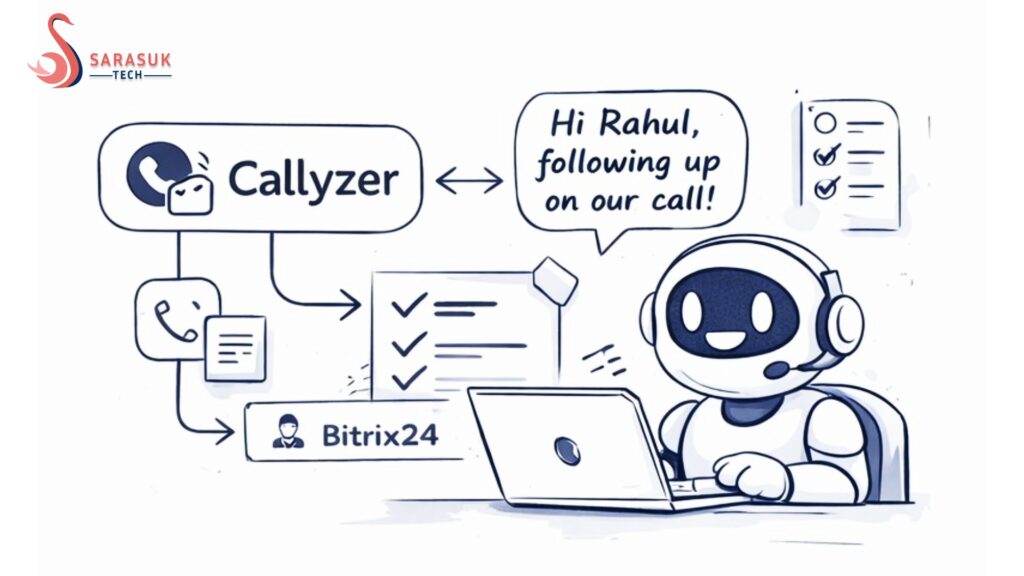
Callyzer is a mobile app that tracks your calls.
It can:
- Record calls
- Save call logs
- Add notes
- Sync data
When connected with Bitrix24, it sends all call data directly to your CRM.
How the Integration Works (Simple Steps)
Let’s understand in easy steps:
- Register to Callyzer
- Install Callyzer by SARASUK in your Bitrix24 account from the marketplace.
- Copy the webhook url from the installed app and paste to Callyzer’s setting.
- Install the mobile app from playstore(callyzer biz)
You’re ready!!
Key Features of This Setup
Let’s look at what you actually get.
1. Automatic Call Logging
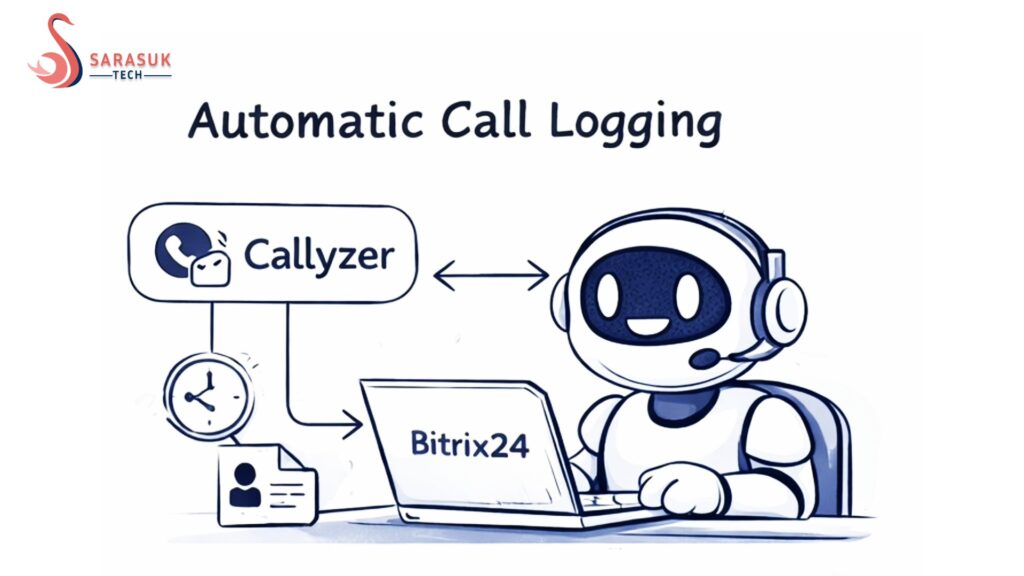
Every call you make or receive is saved.
You don’t need to write anything.
This includes:
- Call time
- Duration
- Contact name
2. Call Recording
You can record calls easily.
This helps you:
- Check conversations
- Train your team
- Solve disputes
3. Notes and Comments
You can add notes after calls.
These notes are saved in CRM.
This helps your team understand the client better.
4. CRM Timeline Updates
All calls appear in the customer timeline.
This means:
- Full history is available
- Easy tracking
- Better follow-up
5. No Manual Work
This is the biggest benefit.
No need to:
- Enter data
- Update CRM
- Remember details
Everything happens automatically.
Benefits for Your Business
Now let’s see how this helps you grow.
1. Never Miss Any Conversation
Every call is saved.
Even if you forget, your CRM remembers.
2. Better Team Communication
Your team can see:
- What was discussed
- What client wants
- What next step is
This improves teamwork.
3. Faster Follow-Up
Since all data is saved, you can:
- Call back quickly
- Continue conversation
- Close deals faster
4. Improved Customer Experience
Customers feel better when:
- You remember their needs
- You don’t repeat questions
- You respond quickly
5. More Sales
Better tracking means:
- Better understanding
- Better follow-up
- More conversions
Real Use Case Example
Let’s understand with a simple example.
Rahul runs a digital marketing agency.
His team makes 50+ calls daily.
Before using this system:
- They forgot to update CRM
- Leads were lost
- Follow-ups were missed
After connecting Callyzer with Bitrix24:
- Every call is saved automatically
- Team works faster
- Sales increased
Simple change, big result.
Who Should Use This Solution
This setup is perfect for:
- Sales teams
- Real estate agents
- Digital marketing agencies
- Freelancers
- Customer support teams
If your business depends on calls, you need this.
Why This Is Better Than Normal CRM
Normal CRM needs manual updates.
But this system:
- Works automatically
- Saves time
- Reduces mistakes
It makes your CRM smarter.
Common Mistakes to Avoid
When setting up call tracking, avoid these mistakes:
Not connecting CRM properly
Not using call recording
Ignoring data in CRM
Not training your team
Always use the system fully to get best results.
Tips for Better Results
Here are some simple tips:
- Train your team to check CRM regularly
- Use call notes properly
- Listen to recordings for improvement
- Follow up quickly
Small steps can improve your business a lot.
Future of Telephony in CRM
In 2026 and beyond, automation will grow more.
Businesses will:
- Use AI to analyze calls
- Automate follow-ups
- Improve customer experience
Tools like Bitrix24 and Callyzer are just the beginning.
Why You Should Start Today
If you are still doing manual work, you are losing time.
And in business:
Time = Money
By automating your call tracking:
- You save time
- You improve accuracy
- You grow faster
Final Thoughts
Managing client calls is very important.
But doing it manually is not smart in 2026.
With tools like:
- Bitrix24
- Callyzer
You can:
- Track every call
- Save every detail
- Improve your business
Simple setup. Powerful results.
Get Started with a Telephony Solution
Start today.
Connect your mobile calls with your CRM.
Make your business:
- Faster
- Smarter
- More organized
Frequently Questions Asked (FQAs)
1. What is Callyzer and how does it work with Bitrix24?
Callyzer is a mobile app that tracks your calls. When connected with Bitrix24, it automatically saves call details, recordings, and notes directly into your CRM without manual work.
2. Can I track all my mobile calls in Bitrix24?
Yes, once the integration is set up, all incoming and outgoing calls can be tracked. The system automatically logs call details like time, duration, and contact information.
3. Does this system support call recording?
Yes, you can record your calls using Callyzer. These recordings are saved and linked to the customer profile in Bitrix24, so you can listen anytime.
4. Is this solution useful for small businesses?
Yes, it is very useful for small businesses. It saves time, reduces manual work, and helps manage customer data easily without needing a big team.
5. Do I need technical knowledge to set this up?
No, you don’t need advanced technical skills. The setup is simple, and most users can connect Callyzer with Bitrix24 by following basic steps.