Property Finder + Bitrix24 Integration: An Easy Way to Manage Real Estate Leads

Contents

Introduction

leads is important for every real estate agency. But getting leads is only the first step. The real challenge is managing those leads properly and contacting them on time.

Many agencies receive leads from Property Finder every day. If these leads are handled manually, it can take time and some opportunities may be missed.

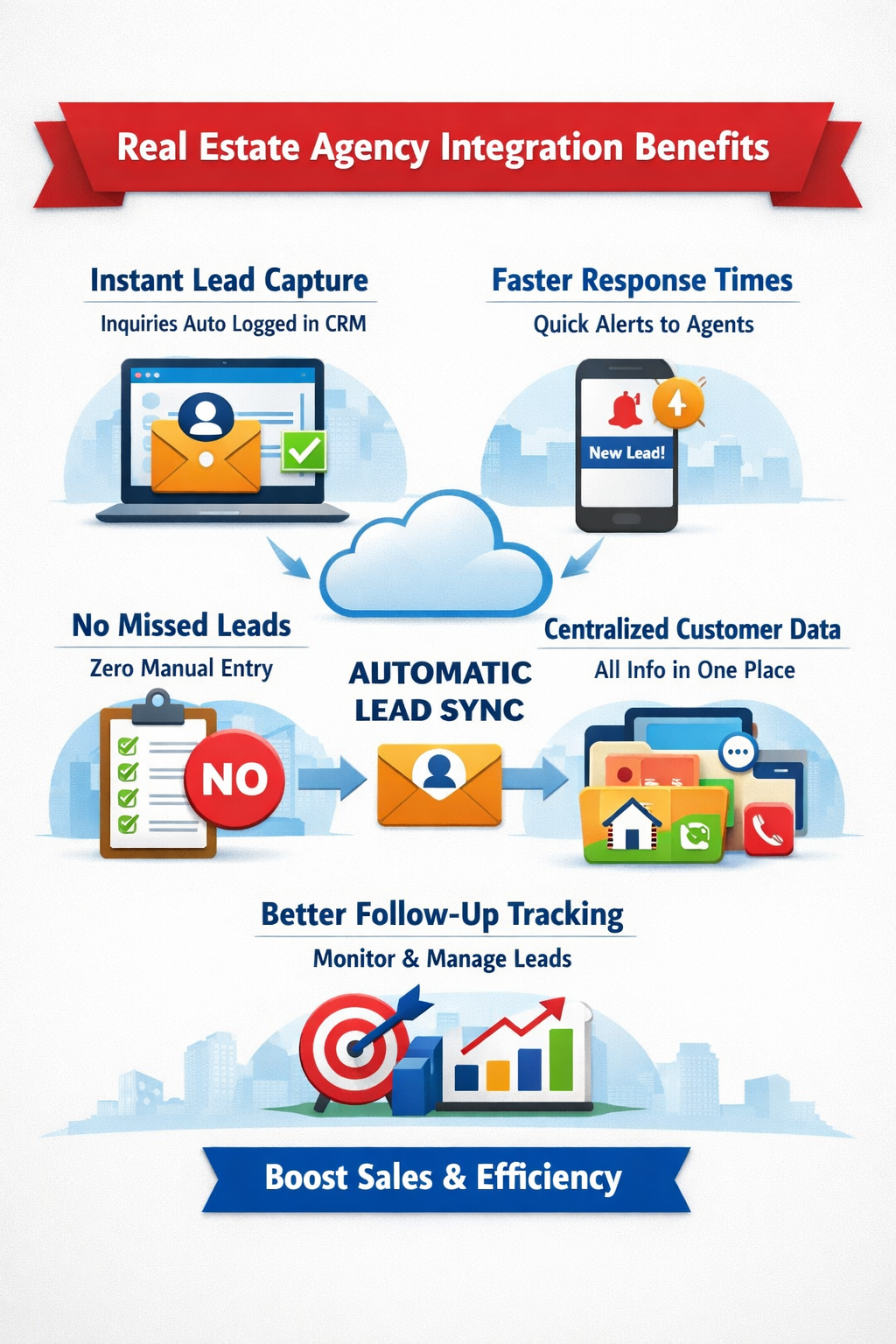
By connecting Property Finder with Bitrix24, all leads can be managed in one place. This helps agents reply faster, stay organized, and close more deals.

What is Property Finder + Bitrix24 Integration?

Property Finder is a popular website where people search for properties to buy or rent.

Bitrix24 is a CRM (Customer Relationship Management) system that helps businesses manage leads, customers, and sales activities.

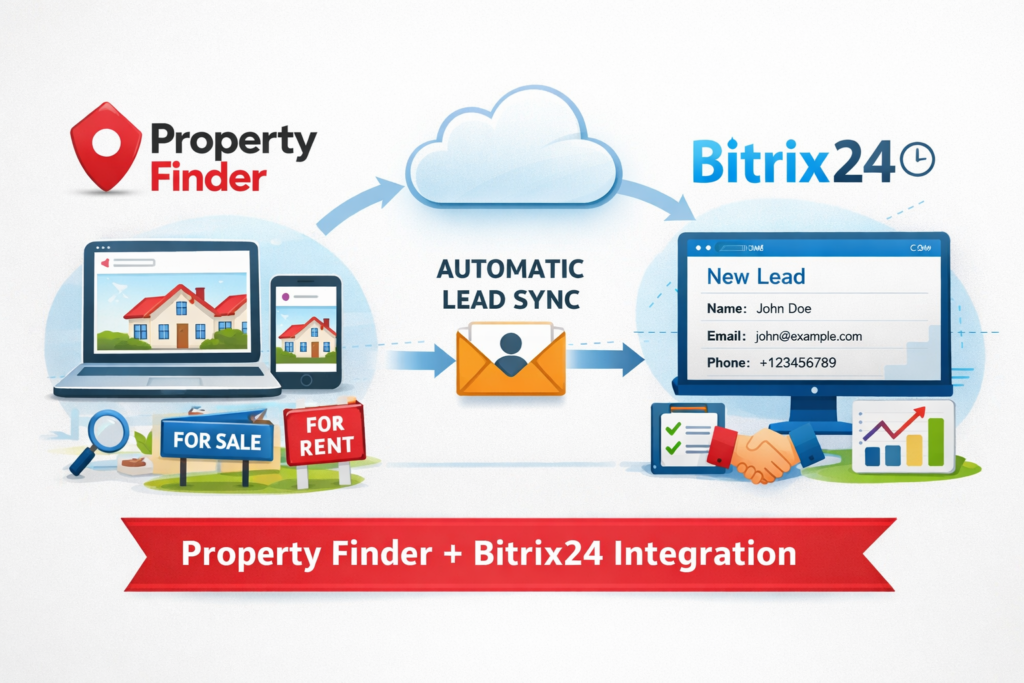
When Property Finder is connected with Bitrix24, every new inquiry is automatically sent to the CRM. This means your team does not have to enter lead details manually.

Why Do Real Estate Agencies Need This Integration?

Many agencies receive a large number of inquiries every day.

Without a proper system, teams often face problems such as:

  • Slow response to leads
  • Missed inquiries
  • Manual data entry
  • Lost customer information
  • Difficulty tracking follow-ups

These problems can lead to lost sales opportunities.

How Does the Integration Work?

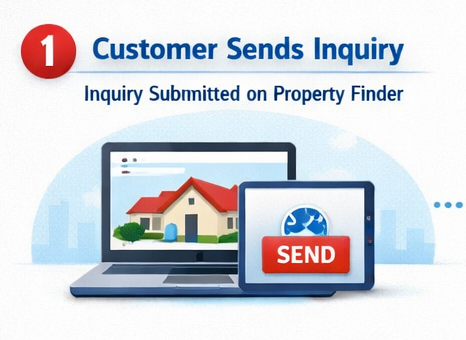
A Customer Sends an Inquiry

A person visits your property listing on Property Finder and submits their contact details.

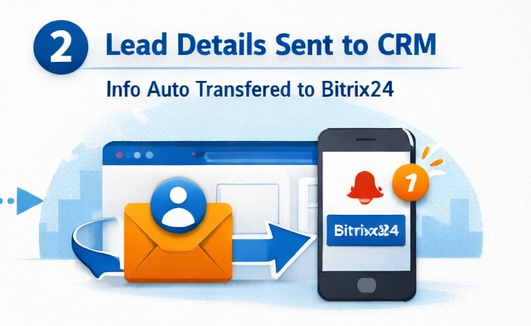
Lead Details Move to Bitrix24

The lead information is automatically sent to Bitrix24.

This may include:

  • Name
  • Phone number
  • Email address
  • Property details

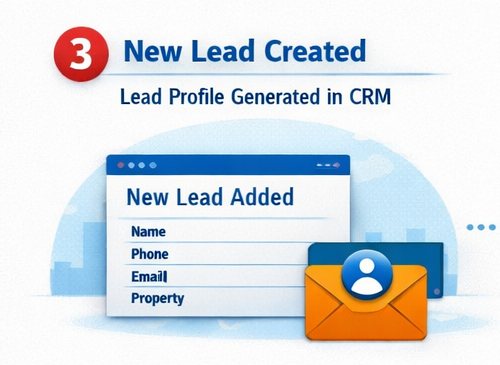
A New Lead is Created

Bitrix24 automatically creates a lead profile with all the information.

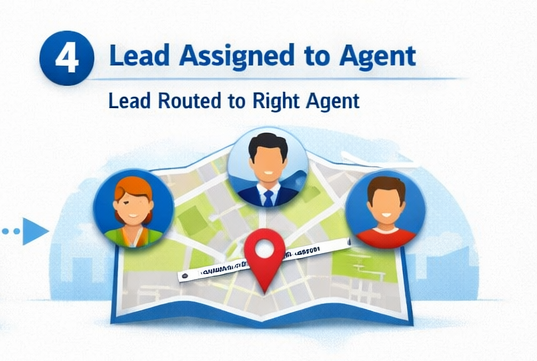
Lead is Assigned to an Agent

The system can send the lead to the right agent based on your rules.

For example:

  • Property location
  • Property type
  • Agent team

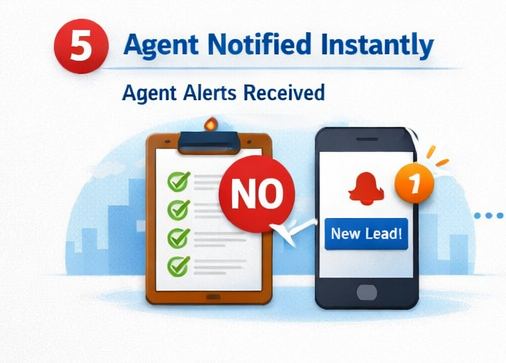
Agent Gets a Notification

The assigned agent receives an alert and can contact the customer quickly.

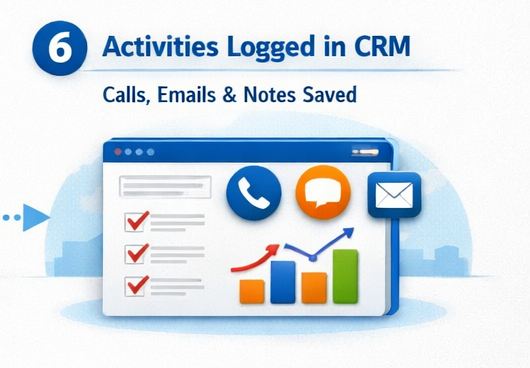
All Activities are Saved

Calls, emails, notes, and follow-ups are stored in one place.

Benefits of Property Finder and Bitrix24 Integration

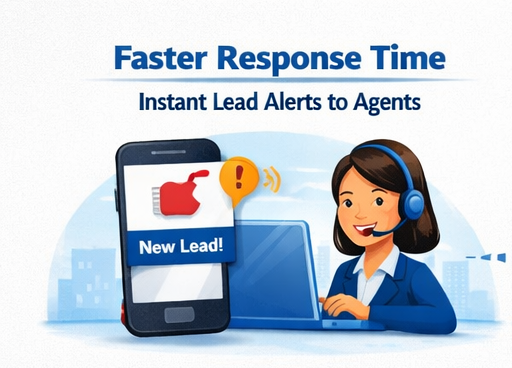
Faster Response Time

Agents receive leads instantly and can contact customers quickly.

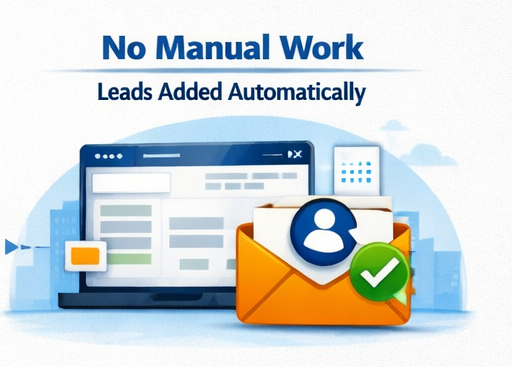
No Manual Work

Lead information is added automatically, saving time and reducing mistakes.

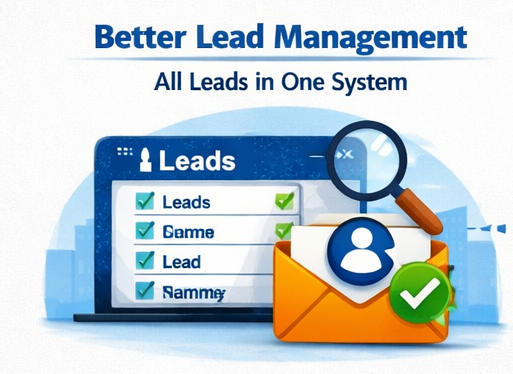
Better Lead Management

All leads stay in one system, making them easy to track.

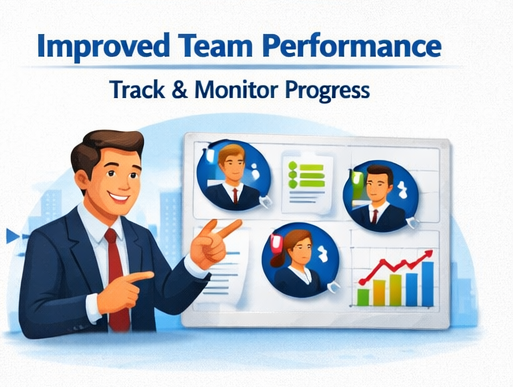
Improved Team Performance

Managers can see:

  • Who is handling each lead
  • Follow-up status
  • Lead progress

Better Customer Experience

Customers get quicker responses, which helps build trust.

How Bitrix24 Helps Real Estate Teams

Lead Pipeline

You can see where every lead is in the sales process.

Communication History

All calls, emails, and notes are saved with the lead.

Automatic Reminders

The system can remind agents when a follow-up is needed.

Reports and Insights

Managers can check:

  • Number of leads
  • Agent performance
  • Lead conversion rates

This helps improve business decisions.

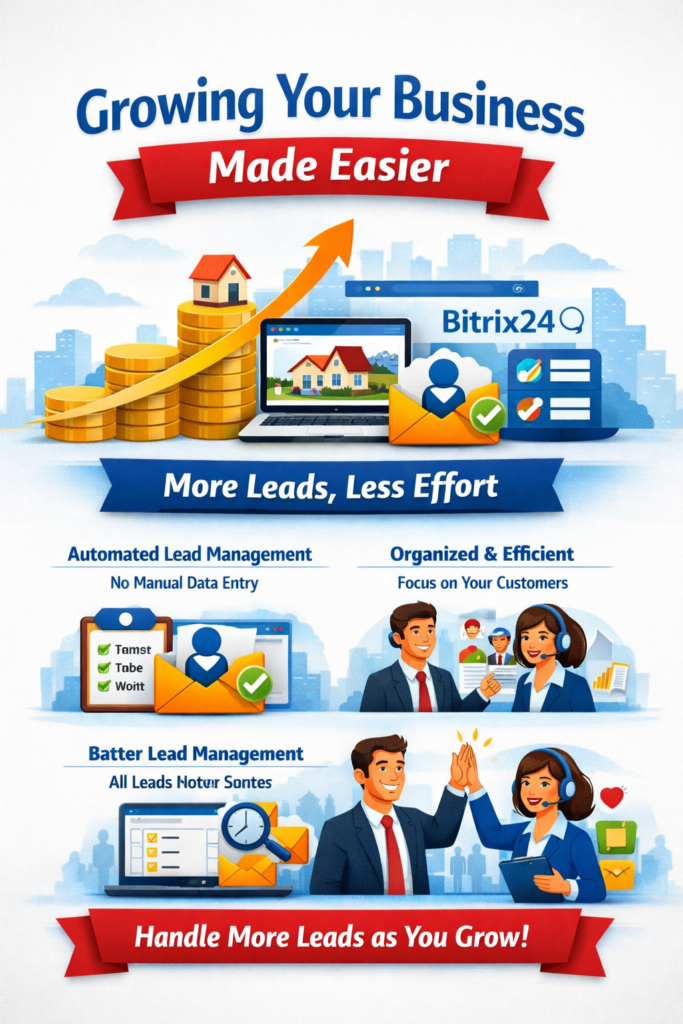
Growing Your Business Made Easier

As your agency grows, the number of leads also increases.

Managing everything manually becomes difficult and takes more time.

With Property Finder and Bitrix24 integration, your team can handle more leads without adding extra work. The system keeps everything organized so agents can focus on customers.

Conclusion

Property Finder and Bitrix24 integration helps real estate agencies manage leads in a simple and organized way.

It reduces manual work, improves response time, and helps teams stay on top of every inquiry. By keeping all lead information in one place, agencies can provide better service and increase their chances of closing more deals.

If you want a faster and easier way to manage real estate leads, this integration is a smart choice.
Frequently Asked Questions(FAQ)

Can Property Finder be connected to Bitrix24?

Yes. New inquiries from Property Finder can automatically appear in Bitrix24 without manual work.

The lead is saved in the CRM and can be assigned to the right agent for follow-up.

Yes. Faster responses and better lead tracking can help increase conversions and close more deals.

No. Once the setup is complete, agents can use the system easily without technical knowledge.